


In this article
- What Is Panel Management Software?
- Why Panel Quality Needs to Be Built Into the Software
- 10 Features Panel Management Software Should Have
- Main Benefits of Panel Management Software
- Panel Management Software vs CRM vs Spreadsheets
- SaaS, White-Label, or Custom Panel Software?
- How to Choose Panel Management Software
- 10 Questions to Ask a Panel Management Software Vendor
- Red Flags to Watch During Selection
- Where OnGraph Fits
- The Bottom Line
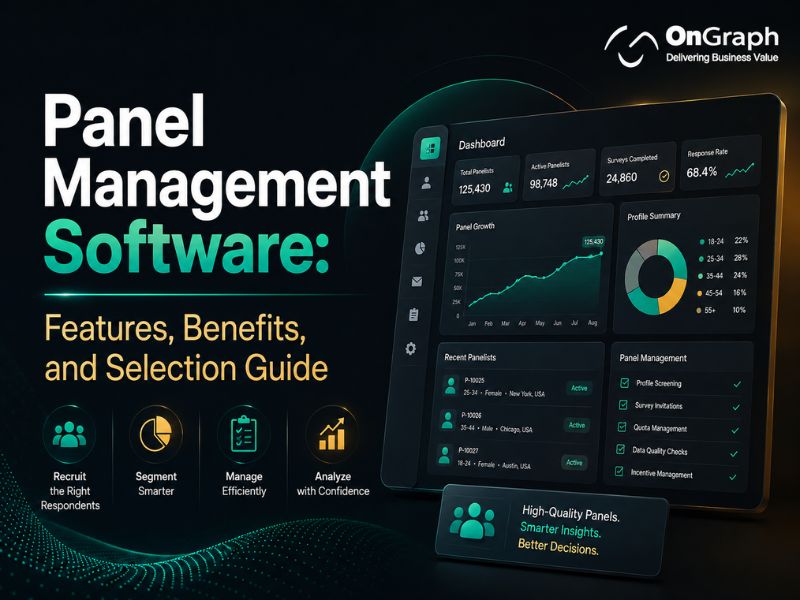
Panel management software helps research teams recruit, profile, verify, segment, contact, reward, and recontact respondents from one system. A good platform should also help teams keep profiles current, control how often members receive surveys, spot low-quality respondents, and connect panel data with active research projects.
For research agencies that run regular studies, these functions can remove a large amount of spreadsheet work. They can also give project managers a clearer view of who is available, who has participated recently, which audiences are difficult to reach, and where panel quality may be slipping.
Choosing the right software, however, requires more than comparing feature lists. This guide explains the functions that matter, the business benefits, and the questions research teams should ask before selecting a panel management platform.
What Is Panel Management Software?
Panel management software is a system used to build and maintain a database of research participants who have agreed to take part in future studies.
Unlike a basic CRM, it is designed around research activity. It tracks participant profiles, survey history, invitations, eligibility, incentives, response behavior, consent records, and panel health.
For an agency running an owned panel, the software becomes the working system behind recruitment and fieldwork. If you are still planning the panel itself, our guide on how to build and manage an owned research panel explains the recruitment, sizing, verification, and engagement side in more detail.

Build a Panel Platform Around the Way You Actually Work
Why Panel Quality Needs to Be Built Into the Software
Having thousands of names in a database does not mean you have a usable research panel.
Profiles become outdated. Members change jobs, locations, income levels, devices, and purchasing habits. Some respondents become inactive. Others participate too frequently. Fraud and duplicate registrations create another problem.
Independent research shows why these controls matter.
A 2023 Pew Research Center study compared three probability-based online panels with three opt-in samples across 28 population benchmarks. The probability panels had an average absolute error of 2.6 percentage points, while the opt-in samples averaged 5.8 points. Pew also noted that sample performance depends on factors such as recruitment, weighting, and the topics being measured.
Fraud is another serious concern. A 2024 peer-reviewed study published in Frontiers in Research Metrics and Analytics examined two surveys distributed through both open and verified channels. In one survey, 560 of 1,540 open-link responses were confirmed as fraudulent. In another, 627 of 1,616 were fraudulent. All 853 responses collected through the two closed, verified distributions were confirmed as valid in that study.
Software cannot turn an opt-in panel into a probability sample. It can, however, help researchers maintain cleaner records, verify identities, control participation, and identify suspicious behavior before those problems reach the final dataset.
10 Features Panel Management Software Should Have
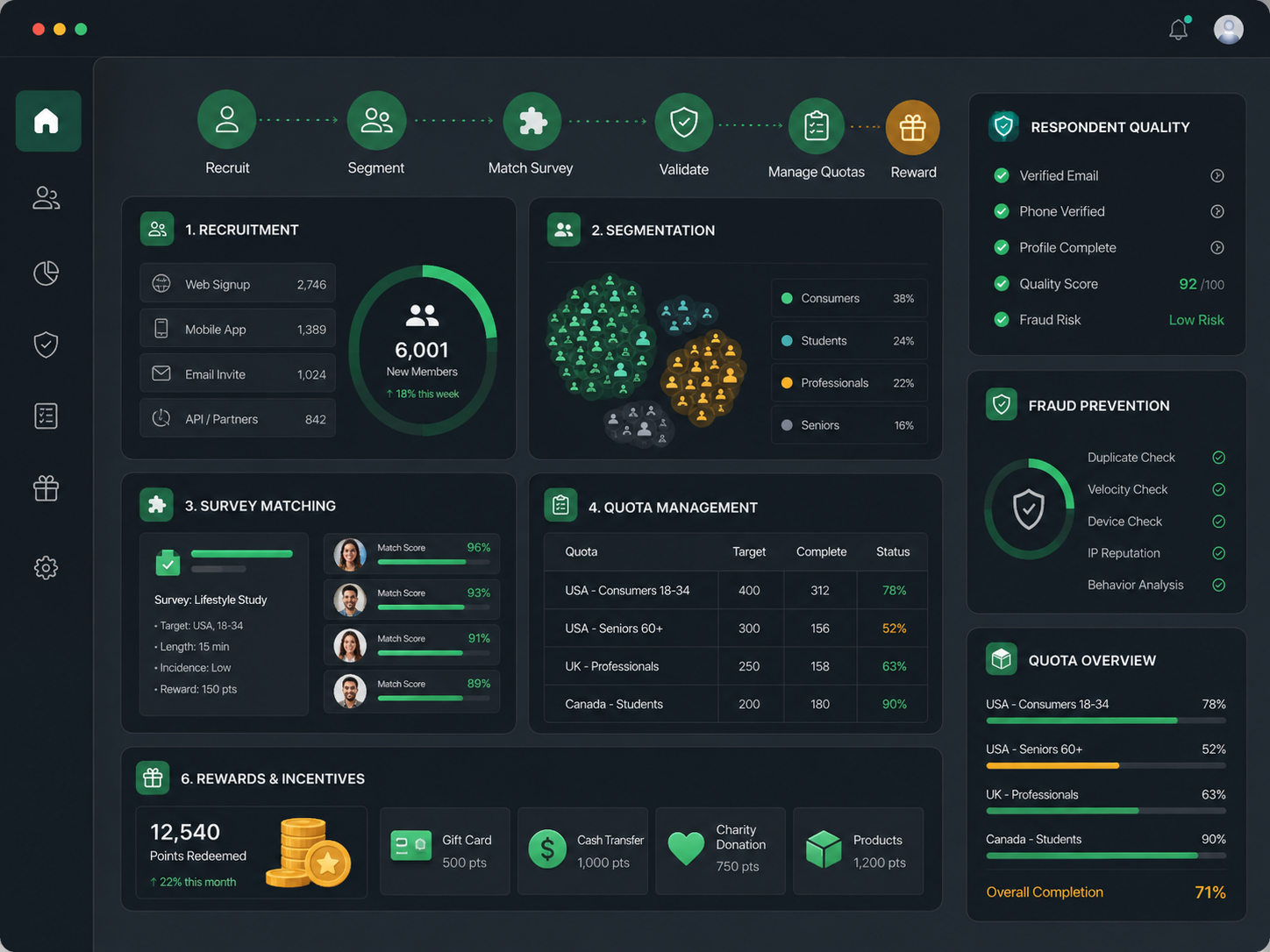
1. Multi-Channel Panel Recruitment
A research agency may recruit from its website, customer database, advertising campaigns, referrals, affiliates, communities, or specialist industry sources.
The software should record where every panelist came from. This allows managers to compare recruitment sources by approval rate, participation, cost, fraud, and long-term activity.
Registration forms should also support consent capture, email or mobile verification, screening questions, and configurable approval rules.
2. Detailed Participant Profiles
Research participant management becomes much easier when the system stores more than basic demographic information.
Profiles may include age, location, household data, occupation, industry, job level, purchasing behavior, product usage, healthcare information where appropriate, technology ownership, and previous research activity.
The system should allow custom fields because every panel has different targeting requirements. More importantly, profile data needs to be easy to update.
3. Progressive Profiling
Asking a new member to answer 50 profile questions during registration can create unnecessary drop-off.
Progressive profiling spreads those questions across several interactions. A panelist may answer core demographic questions when joining, then provide employment, product, or behavioral information later.
This keeps registration shorter while gradually making the respondent record more useful. It also gives the team opportunities to refresh information that may have changed.
4. Segmentation and Sampling Rules
A useful research panel management system should let researchers build precise participant groups without exporting data to spreadsheets.
For example, a study may require:
- UK-based IT decision-makers
- Working at companies with 500+ employees
- Using a specific cloud platform
- Not surveyed on the topic during the previous three months
The system should be able to apply these filters together.
For quantitative studies, look for quota controls, exclusion rules, invite limits, random selection options, and support for interlocking criteria. These controls reduce over-contact and make sampling more consistent.
5. Survey Matching and Distribution
The platform should connect eligible respondents with suitable studies.
At a basic level, this means filtering the database and sending invitations. More advanced systems can match available studies against profile attributes, quota availability, previous participation, location, and other qualification rules.
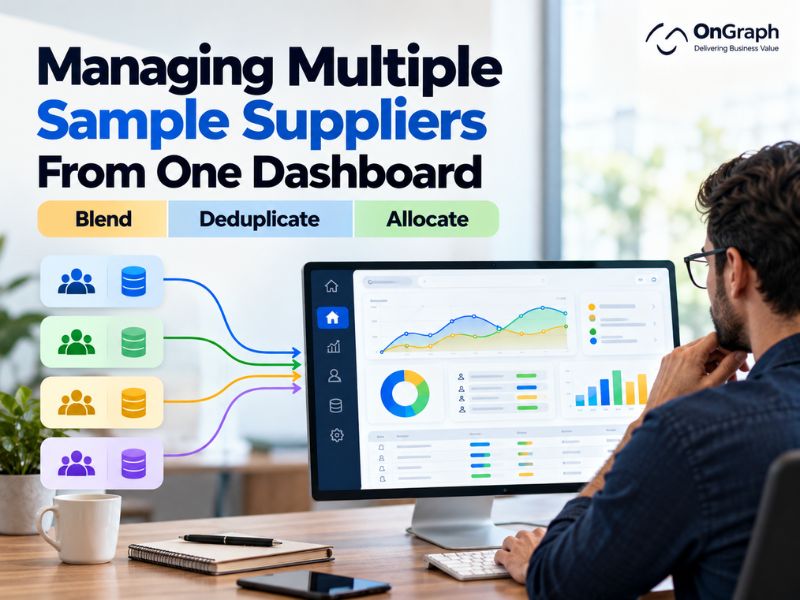
Companies that use multiple survey engines or external sample sources should also check the platform’s survey panel integration options. API support becomes especially important when owned panelists and supplier sample need to feed the same study.
6. Fraud Prevention and Duplicate Detection
Fraud checks should begin when a person registers, not only after survey completion.
Useful controls include:
- Email and mobile verification
- Duplicate-account detection
- Device fingerprinting
- IP and geographic checks
- CAPTCHA
- Suspicious registration patterns
- Participation-speed checks
- Unique survey links
- Respondent blocking and review lists
No single check will catch every bad respondent. The software should therefore support several quality signals and give panel managers a clear audit trail.
7. Incentive and Reward Management
Rewards are one of the most time-consuming parts of running a panel manually.
A survey panel management software system should keep a record of points, cash, gift cards, redemption thresholds, completed studies, reversals, expired rewards, and payout history.
For international panels, check whether the software can work with multiple reward providers, currencies, and country-specific payout methods.
The participant should also be able to see what they earned and when a reward was paid. That reduces support requests and makes the experience clearer.
8. Panelist Communication
Panel members need more than survey invitations.
Teams may need to send welcome messages, profile reminders, new-study invitations, reward updates, reactivation campaigns, policy notices, or account messages.
Look for email templates, audience filters, scheduled communication, suppression rules, message history, and individual communication where required.
Contact-frequency rules are particularly useful. They prevent highly active members from receiving every available study while quieter members receive nothing.
9. Panelist Portal
A branded panelist portal gives members a place to manage their relationship with the panel.
Depending on the program, participants may be able to:
- Update profile information
- See available surveys
- View participation history
- Check reward balances
- Redeem points
- Change communication settings
- Contact support
- Review consent and privacy information
For agencies running panels for clients, branding becomes more important. White-label systems should support custom domains, logos, language, email templates, and client-specific panel experiences.
10. Reporting and Panel Health Metrics
A large member count can look impressive while hiding a weak panel.
Managers need to know how many people are actually usable.
At minimum, reporting should cover:
| Panel Metric | What It Tells You |
| Active panelists | How much of the database is currently usable |
| Response rate | How often invited members participate |
| Qualification rate | How well profiles match current research demand |
| Profile completeness | Whether targeting data is sufficient |
| Last participation date | Which members may be becoming inactive |
| Recruitment source | Which channels produce useful members |
| Fraud/rejection rate | Where quality issues are appearing |
| Reward liability | Outstanding incentive value |
| Contact frequency | Whether members are being overused |
| Recontact rate | Whether previous respondents remain available |
A good dashboard should make these measures available without requiring a manual export every week.
SaaS, White-Label, or Custom? Find Your Best Fit.
Main Benefits of Panel Management Software
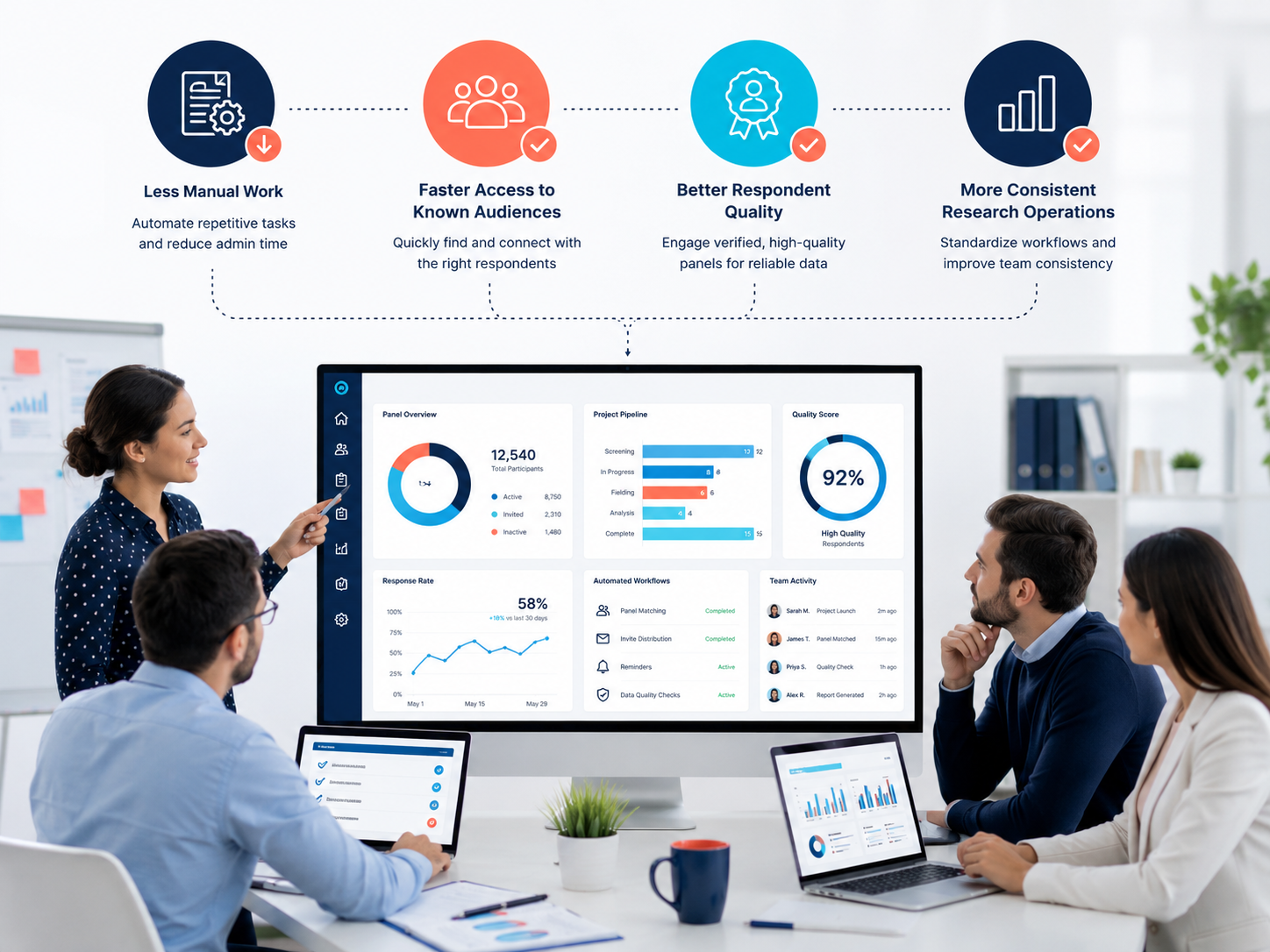
Less Manual Work
Spreadsheets can hold a participant list, but they become difficult to manage when recruitment, screening, survey invitations, rewards, consent, and project history are handled in separate files.
Respondent management software brings these records together. That reduces duplicate work and makes it easier for different researchers to use the same panel.
Faster Access to Known Audiences
If a panel already contains the right respondents, the team does not need to recruit them again for every project.
Researchers can search existing profiles, apply eligibility rules, and invite the relevant group.
This is one reason owned panels can make economic sense for agencies that repeatedly study similar audiences. The cost side is covered in more detail in our guide to reduce third-party sample costs with an owned research panel.
Better Control Over Respondent Quality
A maintained panel gives the agency access to participation history and profile data that a one-time respondent list cannot provide.
Researchers can see previous studies, quality flags, frequency of participation, profile changes, and engagement history before issuing another invitation.
That does not remove the need for study-level quality checks, but it gives the team more information before fieldwork begins.
More Consistent Research
Tracking studies and longitudinal research often depend on consistency.
A research team that owns and manages its panel has more control over recruitment methods, profile definitions, contact rules, and panel composition.
There will still be times when outside sample is needed. Our comparison of an owned research panel vs third-party sample providers explains where each model fits and why many agencies use both.
Better Participant Experience
Panel members notice poor management quickly.
Repeated irrelevant surveys, delayed rewards, duplicate invitations, and outdated profiles all make participation harder.
A good system helps reduce these problems by using better targeting, communication rules, profile updates, and clear reward records.
Panel Management Software vs CRM vs Spreadsheets
| Capability | Spreadsheets | General CRM | Panel Management Software |
| Participant profiles | Basic | Good | Research-specific |
| Recruitment tracking | Manual | Possible | Built for it |
| Survey history | Manual | Requires setup | Native |
| Sampling & quotas | Limited | Limited | Strong |
| Invite frequency rules | Manual | Requires customization | Built in |
| Rewards | Separate system | Usually separate | Can be integrated |
| Fraud checks | No | Limited | Research-specific |
| Panelist portal | No | Usually no | Common |
| Survey integrations | Manual | API dependent | Research-focused |
| Panel health reporting | Manual | Custom | Built around panel KPIs |

A CRM can work for a small research database. Once the organization needs sampling controls, rewards, survey history, fraud checks, and regular fieldwork, dedicated panel software usually becomes easier to manage.
SaaS, White-Label, or Custom Panel Software?
There is no single delivery model that fits every research company.
| Option | Best Fit | Main Advantage | Main Limitation |
| SaaS | Teams needing standard panel functions quickly | Fast setup | Less control over product and workflows |
| White-label | Agencies wanting their own brand without building from zero | Faster launch with branding and configuration | Changes depend on platform flexibility |
| Custom | Research firms with unusual workflows, integrations, or commercial models | Full control over the product | Higher initial cost and longer build time |
A white-label product can be a practical middle ground when most requirements are standard but the panel must appear under the agency’s own brand.
Custom panel management software development makes more sense when an agency has its own recruitment logic, buyer or supplier integrations, custom billing, unusual incentive models, or workflows that standard software cannot support.
For organizations building several research products around the same technology base, broader market research software development may be the better route.
How to Choose Panel Management Software
Do not start with the longest feature list.
Start with the jobs your team performs every week.
Step 1: Map Your Existing Workflow
Document how respondents currently move through your operation:
Recruit → Verify → Profile → Segment → Invite → Qualify → Complete Study → Reward → Recontact
For each stage, record which software, spreadsheet, person, and API are involved.
The gaps become your requirements list.
Step 2: Score the Software Against Your Priorities

A weighted scorecard is more useful than marking every feature as either present or missing.
Here is a practical 100-point model:
| Evaluation Area | Suggested Weight |
| Data quality and fraud controls | 20 |
| Profiling, segmentation, and sampling | 20 |
| Integrations and data portability | 15 |
| Panelist experience and incentives | 15 |
| Privacy, security, and permissions | 15 |
| Reporting and panel health | 10 |
| Pricing and commercial fit | 5 |
| Total | 100 |
Change the weighting based on your business.
A healthcare panel may place more weight on identity and role verification. A global consumer panel may care more about languages, currencies, and reward coverage.
Step 3: Check Data Ownership and Portability
This is one of the most important questions to ask before signing a contract.
Find out whether you can export:
- Full participant profiles
- Consent records
- Survey history
- Incentive history
- Communication history
- Quality flags
- Recruitment source data
- Custom fields
You should also know what happens to the data if you leave the platform.
Panel software contains an asset your company may spend years building. Your ability to move that asset matters.
Step 4: Review Security and Research Standards
ISO 20252:2019 covers market, opinion, and social research and incorporates the earlier ISO 26362 requirements that specifically addressed access panels. It gives research buyers and providers a common framework for process quality and panel management. (ISO)
Your software does not automatically become ISO compliant because it contains certain features. However, it should give your team the controls needed to follow its research, documentation, consent, and data-management processes.
Ask about access controls, audit logs, encryption, backups, deletion processes, data locations, incident response, and permission levels.
Step 5: Test Real Scenarios in the Demo
Avoid demos where the vendor only moves through prepared screens.
Give them actual situations from your research operation.
For example:
Show me how I can find US-based healthcare professionals who completed Study A, have not participated in the last 60 days, have a verified specialty, and have never received Study B.
Then try another:
Show me what happens when one respondent creates two accounts from the same device.
And another:
Show me how we export the complete history of a panelist if they request their data or if we migrate to another platform.
The answers will tell you much more than a features page.
Need More Control Over Panel Quality and Respondent Data?
10 Questions to Ask a Panel Management Software Vendor
- How do you detect duplicate or suspicious registrations?
- Can profiles be updated automatically or through progressive profiling?
- Can we control how frequently each panelist receives invitations?
- Does the sampling system support complex and interlocking quotas?
- Which survey, reward, CRM, and supplier APIs are already supported?
- Can we export the full panel database and activity history?
- How are consent changes and account deletion recorded?
- Can we operate separate branded panels from the same system?
- Which panel-health metrics are available without custom reporting?
- What requires vendor support and what can our team configure itself?
If the sales team cannot demonstrate these workflows clearly, involve someone from their product or technical team before making the decision.
Red Flags to Watch During Selection
A platform deserves closer review if:
- Respondent data cannot be fully exported.
- Duplicate detection is based only on email address.
- Sampling requires frequent spreadsheet exports.
- Profile history is overwritten rather than recorded.
- Contact-frequency controls are missing.
- Reward transactions cannot be reconciled.
- Integrations exist only through manual CSV transfer.
- Permission levels are too broad.
- Reporting shows total members but not active members.
- Custom changes require a development request for basic admin tasks.
None of these automatically makes a product unsuitable. They do show where future manual work or vendor dependency may appear.
Where OnGraph Fits
OnGraph develops market research software for agencies that need more control over panel operations, integrations, and branding.
Its current research platform pages cover participant management, survey distribution, reward systems, supplier and buyer APIs, fraud-detection integrations, reporting, and multi-region panels. The company reports 8M+ completed surveys, 65+ panel integrations, and 40+ API integrations across its research technology work.
Research firms can use a white-label panel platform when standard functionality covers most of the requirement, or choose custom development when their recruitment, fieldwork, billing, sampling, or integration model needs something more specific.
The important part is deciding that before implementation starts. Software should fit the way the research business actually operates.
Launch Your Own Branded Panel Management Platform
The Bottom Line
Good panel management software should help your team answer four questions quickly:
Who is in the panel?
Are their profiles still accurate?
Who should be invited to this study?
Can we trust the resulting sample?
Features such as recruitment, profiling, rewards, portals, reporting, and integrations all support those questions.
When comparing platforms, give the most weight to data quality, sampling, integrations, panelist history, and data ownership. Those areas affect research long after the initial software demo is over.
FAQs
Panel management software is used to recruit, profile, segment, communicate with, reward, and track research participants. It also stores participation history and helps researchers select appropriate respondents for future studies.
The most important features are participant recruitment, profiling, segmentation, sampling rules, survey distribution, fraud prevention, reward management, communication, panelist portals, integrations, and panel health reporting.
A CRM mainly manages relationships and contact records. Panel software adds research-specific functions such as survey history, eligibility rules, sampling, quotas, incentives, participation limits, respondent quality controls, and study invitations.
It can reduce manual administration and make an owned panel easier to reuse across studies. Whether it lowers total sample costs depends on recruitment costs, panel size, study frequency, audience type, incentives, and the amount of external sample still required.
SaaS works well for standard requirements and fast setup. White-label software suits agencies that need their own branding without building the product from scratch. Custom software is better when workflows, integrations, business rules, or commercial requirements are significantly different from standard platforms.
Check data ownership, fraud controls, profile management, sampling rules, reward handling, integrations, reporting, security, permissions, customization, and export options. Use real research scenarios during the demo instead of relying only on a feature checklist.
The two strongest SEO differentiators in this draft are the 100-point selection scorecard and the real vendor-demo scenarios. Competitor content already explains features well, but these sections give the reader something they can actually use during software evaluation rather than another generic feature list.
About the Author

Let’s Create Something Great Together!
Latest Blog

Let’s have a conversation today!


India
ONGRAPH TECHNOLOGIES PRIVATE LIMITED,
SDF L-1, NSEZ,
Sector 81, Block L, Phase-2,
Noida, Uttar Pradesh-201305

USA
OnGraph Technologies,
120 Bethpage Rd, Suite 304,
Hicksville, NY 11801, USA

Canada
7-1039 CEDARGLEN GATE,
Mississauga, Ontario,
Canada L5C 3A7

UK
89 Banstead Road South,
Sutton, Surrey, SM2 5LH
United Kingdom

Malaysia
G-3A, Amaya Maluri, Jalan
Jejaka 2, Taman Maluri,
KL–55100, Malaysia

Singapore
10 Anson Road,#26-04
International Plaza,
Singapore (079903)